WhatsApp is one of the world’s largest messaging platforms, with more than 3 billion monthly users. For businesses, that means many customers already prefer messaging over forms, so adding WhatsApp chat to WordPress can reduce friction and help you respond faster.
Many customers expect quick replies, often within minutes, so a WhatsApp chat plugin can help by offering click-to-chat buttons, pre-filled messages, business hours, and (in some plugins) multi-agent routing or automation.
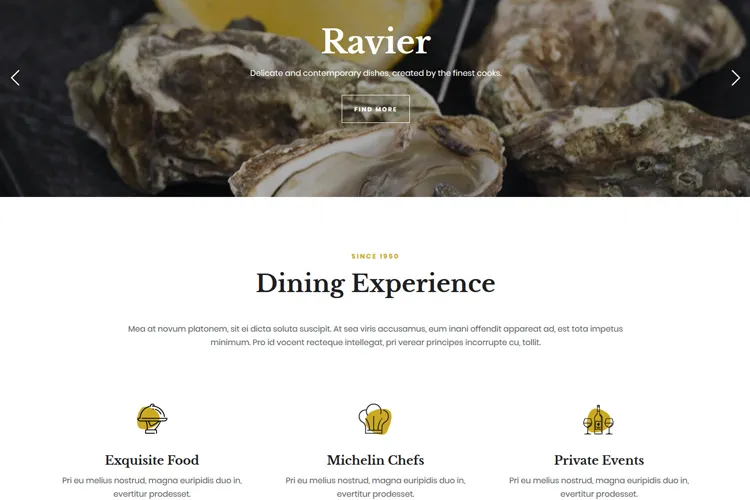
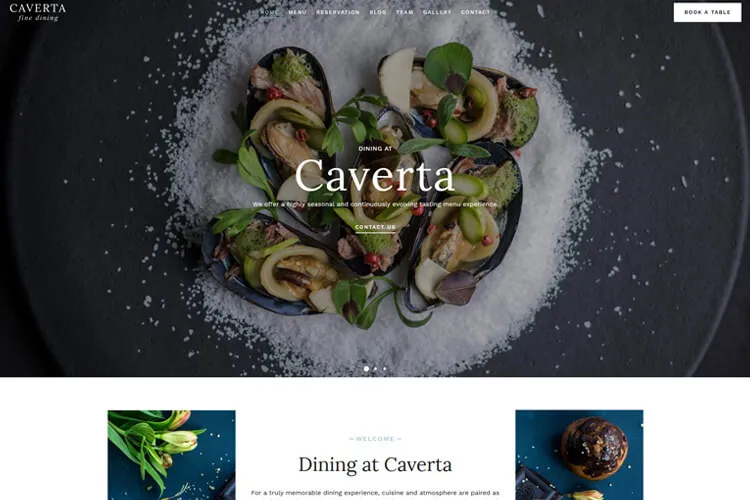
Let’s illustrate this with a restaurant site example: imagine a guest visits your restaurant’s website, taps the WhatsApp chat button to ask about today’s specials, and receives an automated greeting with menu highlights – all in under 10 seconds; they confirm their reservation, get a reminder message before arrival, and enjoy a seamless booking experience that reduces no-shows and boosts table turnover.
In this post, we’ll break down the 9 Best WhatsApp Chat WordPress Plugins for Instant Customer Support, so you can slash response times, boost conversions, and give your audience the fast, conversational support they demand.
Best WhatsApp Chat Plugins for WordPress Business Sites
| Plugin | Best for | Highlights | Free Version |
|---|---|---|---|
| Simple Chat Button | Lightweight click-to-chat | Simple setup, pre-filled message | Yes |
| WP Chat App | WooCommerce/menu prompts | Buttons on pages, business hours (plan-based) | Yes |
| Chatway | Multi-channel chat | WhatsApp + others, live chat style widget | Yes |
| Click to Chat | Dynamic pre-filled messages | Tags, styles, tracking | Yes |
| Social Chat | Polished agent box UI | Profile box, multi-agent (pro) | Yes |
| Bit Assist | Omnichannel widget | WhatsApp + IG/Telegram + forms/FAQ | Yes |
| Cresta Help Chat | Simple floating widget | Shortcodes, basic settings | Yes |
| Joinchat | Triggers + tracking | Events, GA/Pixel, multilingual | Yes |
| Call/Chat/Contact Button | Many actions | Multiple channels + click analytics | Yes |
These WhatsApp plugins were selected for ease of setup, customization, and practical business features like pre-filled messages, business hours, WooCommerce prompts, and tracking. Choose the one that matches how your customers usually contact you.
1. Simple Chat Button
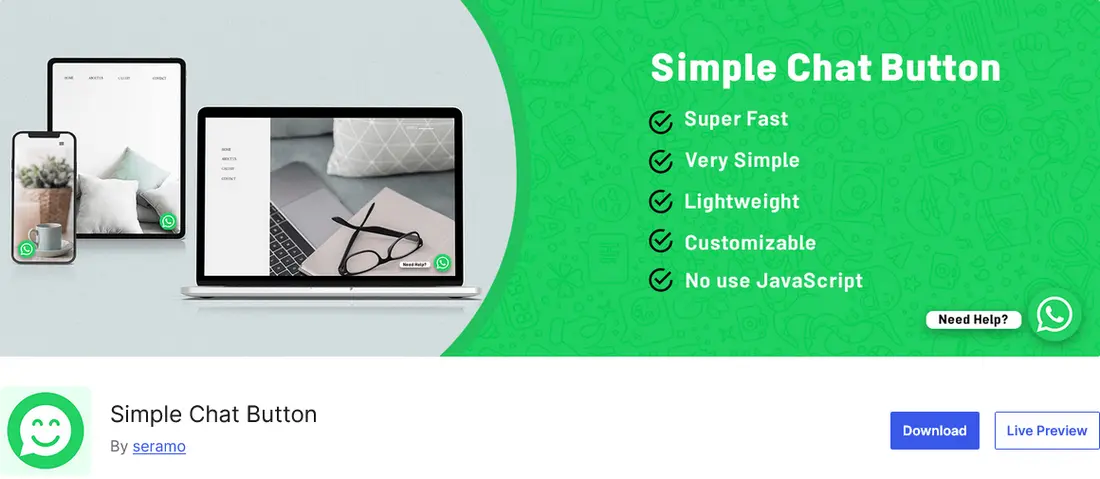
The Simple Chat Button plugin adds a clean, lightweight WhatsApp contact icon to your site without adding unnecessary bloat. It’s a solid pick if you simply want click-to-chat support and a fast setup.
Your business site will benefit from Simple Chat Button’s straightforward setup and customization: you can set your WhatsApp or Business number, define a preloaded greeting, and choose where the button appears across devices. This ease of use means consulting firms can focus on client advice rather than technical tweaks, while visitors enjoy immediate reassurance through personalized welcome messages – ultimately boosting conversion rates and streamlining the client onboarding process.
Best for: lightweight click-to-chat with minimal setup.
Pricing: free version.
2. WP Chat App

Implementing the WP Chat App plugin on a restaurant WordPress website gives diners a direct line to your front-of-house team via a floating WhatsApp widget, reducing friction from phone menus or email forms and creating instant connections that build trust and boost reservations.
Beyond quick chats, WP Chat App enhances ordering workflows by embedding “Order on WhatsApp” buttons directly on menu or product pages, enabling customers to place orders or book tables in seconds without leaving the browser. Customizable greetings, dynamic shortcodes for food menu items, and availability timers ensure realistic expectations for response times, while WooCommerce compatibility and designed to work well alongside caching, making WP Chat App an ideal tool to streamline restaurant operations and delight hungry customers.
Best for: WhatsApp ordering/booking prompts on key pages.
Pricing: free version and premium version from $39.
3. Chatway

Chatway adds a live chat widget to your site and can also bundle multiple messaging buttons (like WhatsApp and Messenger) in one place, so visitors can contact you on the channel they prefer. It’s designed to stay lightweight while still giving businesses a clear “who’s online” view to jump into conversations quickly and answer questions before visitors leave.
From the admin side, Chatway keeps support organized by combining live chat, basic FAQ/help options, and multi-channel buttons inside a single dashboard. That makes it easier to handle sales questions, support requests, and feedback without switching between tools.
Best for: live chat + multiple messaging channels in one widget.
Pricing: free version and premium version at $9 agent / month.
4. Click to Chat

The Click to Chat plugin adds a WhatsApp button that can automatically pre-fill messages with useful details like the current page title, URL, or product info. This is especially handy when visitors have questions about a specific service or item, because you see the context right away without back-and-forth.
It also includes optional greeting dialogs to encourage conversations and built-in tracking so you can measure how often the button gets clicked and where it performs best. The button works on both mobile and desktop, sending users to the WhatsApp app or WhatsApp Web, and you can choose from multiple styles (or upload your own) to match your site design.
Best for: dynamic pre-filled messages + click analytics.
Pricing: free version and pro version from $18/year.
5. Social Chat

Social Chat seamlessly embeds a WhatsApp button on your site so visitors can launch a conversation with a single tap, removing friction and making it easy for customers to reach out instantly. You can position the chat icon wherever it fits your design – whether in a corner or sidebar – and adapt its look with custom colors and rounded or square edges to match your brand’s style.
Beyond just a button, Social Chat displays a pop-up contact box complete with your photo, name, and a friendly greeting that appears when users need help, creating a more personal touch without extra clutter on the page. It also lets you preset messages that automatically include dynamic details like the current page name or product URL, and even adds chat triggers to individual WooCommerce pages so shoppers can ask questions about items in real time.
The Pro version adds options like multiple agent numbers, business hours, and analytics event tracking, which is useful once your support volume grows.
Best for: a personal agent box UI and multi-agent support (Pro).
Pricing: free version and pro version from $49/year.
6. Bit Assist

Bit Assist is a good fit if you want one floating widget that links to multiple messaging channels—like WhatsApp, Instagram DM, Telegram, Messenger, and more—without adding a bunch of separate buttons across your site. Visitors can choose the app they already use, which reduces friction and helps you start conversations faster.
It can also collect key details upfront through a built-in contact form or FAQ option before the chat begins, which is useful for qualifying leads and routing support requests. This keeps communication organized, while still keeping the widget lightweight and easy to customize.
Best for: omnichannel contact (WhatsApp + other apps) in one compact widget.
Pricing: free version and premium version from $29/year.
7. Cresta Help Chat

Cresta Help Chat adds a sleek WhatsApp button that floats at the bottom corner of your website, giving visitors a direct way to message you in one click without slowing down page performance. You can also embed the chat icon within posts or pages using a simple shortcode, allowing you to control exactly where users see the help option.
Setting up Cresta Help Chat takes just a few clicks – upload, activate, and enter your number in the settings panel – then choose which pages should display the widget and whether it opens directly in WhatsApp Web or via a popup box. The plugin works seamlessly with WooCommerce stores and multilingual sites, so you can offer prompt customer support and drive conversions across different products and regions.
Best for: simple floating button + shortcode placement control.
Pricing: free version and pro version from €10.
8. Joinchat

Joinchat adds a floating WhatsApp button to your site that works instantly on mobile and desktop, using lightweight JavaScript that won’t slow down your pages. You can customize where it appears, swap the icon for your own image or GIF, and set up personalized chat messages with page details automatically included.
The plugin offers advanced features like chat triggers based on page loads or scroll events, plus tracking through Google Analytics and Facebook Pixel to measure visitor engagement. With multi-language support and GDPR compliance built in, Joinchat provides a complete WhatsApp integration solution that’s both user-friendly and developer-extensible.
Best for: advanced triggers and Analytics/Pixel tracking.
Pricing: free version and premium version from €29/month.
9. Call / Chat / Contact Button

The Call / Chat / Contact Button plugin adds a sleek floating button to your site that can launch phone calls, WhatsApp chats, Facebook Messenger conversations, or over 40 other actions with a single click, ensuring visitors always find the right way to reach you instantly.
You can set up unlimited buttons or sticky menus, choose from professional popup designs, and apply smart display rules -like showing buttons only on mobile devices, specific pages, or at certain times – to guide visitors toward the most effective contact method without cluttering your layout.
Many of these multi-button plugins include click analytics so you can see which channel visitors prefer and optimize placement over time.
Best for: a multi-action contact menu for many channels.
Pricing: free version and premium version from $10/month.
Why Your Business Needs WhatsApp Chat Integration
Adding WhatsApp chat to your website gives customers a direct line to your team, instantly building confidence and trust in your brand. When visitors see a familiar chat icon, they’re more likely to ask questions and receive rapid, personalized answers instead of filling out forms or waiting on hold – showing you value their time and boosting your reputation. Integrating WhatsApp also streamlines inquiries by cutting out lengthy email exchanges and complex phone menus, reducing friction that often leads to abandoned carts and missed sales opportunities.
Beyond faster replies, WhatsApp’s built-in features like automated replies and message templates help your team handle more chats without extra effort, improving response rates and freeing up resources. Its global reach and multimedia support mean you can serve international customers with translated messages and product images all in one chat window, providing seamless, 24/7 support that strengthens relationships and scales with your business needs.
Conclusion
Implementing one of these WhatsApp chat plugins can help you respond faster, reduce friction for visitors, and turn more questions into bookings or sales, especially when you use business hours, pre-filled prompts, and clear routing to the right person.
With easy setup, customizable widgets, and WooCommerce compatibility, these WhatsApp chat plugins seamlessly blend into any WordPress theme shifting customer expectations towards instant, conversational support. Adding one of these plugins puts your business ahead of the curve, driving loyalty in an increasingly competitive online market.
FAQs for WhatsApp Chat Plugins
How do WhatsApp chat plugins benefit my business website?
WhatsApp chat plugins provide instant communication with customers, build trust through real-time support, increase conversion rates by lowering communication barriers, and offer mobile-friendly engagement that most users are already familiar with.
Do I need a WhatsApp Business account to use these plugins?
While a standard WhatsApp account works with most plugins, a WhatsApp Business account is recommended as it provides additional features like business profiles, automated messages, and analytics specifically designed for business use.
Can I customize the appearance of WhatsApp chat buttons on my website?
Yes, most WhatsApp chat plugins offer extensive customization options including button colors, positions, icons, text, and overall styling to match your website’s design and branding.
Is it possible to have multiple team members respond to WhatsApp chats?
Yes, several plugins like WP Chat App and Social Chat offer multiple agent support, allowing different team members to handle customer inquiries based on availability or expertise.
Do WhatsApp chat plugins work with WooCommerce?
Many WhatsApp chat plugins offer specific WooCommerce integration, allowing customers to inquire about products, place orders via WhatsApp, and receive order updates directly through the messaging app.
Can I set business hours for my WhatsApp chat availability?
Yes, premium version of plugin like WP Chat App offers business hours functionality, displaying your availability to website visitors and managing expectations for response times.
Are there free WhatsApp chat plugins available for WordPress?
Yes, most of the top WhatsApp chat plugins offer free versions with basic functionality, while premium features require paid subscriptions.
How can I track the effectiveness of my WhatsApp chat integration?
Many premium plugin versions offer analytics and tracking capabilities, including conversation metrics, click rates, and even integration with Google Analytics to measure performance.