

Every week, new stories pop up about WordPress sites getting hacked, hit by malware, or leaking customer data. Worries like brute-force attacks, stolen credentials, or being locked out after a hack are real for anyone running a WordPress site. With WordPress powering over 40% of the internet, hackers have more incentive than ever to target these sites—especially through vulnerable plugins and weak passwords.
Security risks are growing fast: in 2025, WordPress ecosystem vulnerabilities jumped and issues were found—most not even in core WordPress, but in third-party add-ons. Stats show nearly two-thirds of users have faced a serious security breach. It’s no wonder more admins, creators, and businesses are looking for stronger protection through two-factor authentication (2FA) WordPress plugins.
Adding 2FA isn’t about feeling scared or overwhelmed—it’s a simple way to make logins safer and keep hackers out. As password leaks and attacks grow, the best two-factor authentication (2FA) WordPress plugins make it easier than ever to lock things down and give site owners peace of mind.
How Does 2FA Work?
After hitting “Log In” on WordPress, 2FA kicks in to ask for a one-time code before letting anyone past the door. The code usually comes from an authenticator app like Google Authenticator, Authy, or Microsoft Authenticator—these apps generate a fresh code every 30 seconds. Or, the code might arrive by text message or email, depending on the plugin and your setup.
That extra step makes it almost impossible for hackers or bots to crack your site with just a stolen assword—because without the code, they’re out of luck.
2FA fits right into most WordPress login screens and works for any user—owners, staff, members, or store customers. You don’t need special security skills to use it; just follow simple directions to scan a QR code or enter a backup number. Add it on WooCommerce, blogs, member platforms, or even multisite portals.
Best WordPress 2FA Plugins
Ready to actually stop worrying? Here are the top WordPress two-factor authentication plugins, picked for their simplicity, popularity, and real features.
Two-Factor
The Two-Factor plugin stands out because it provides a straightforward and effective way to add an extra layer of security to WordPress sites. Developed by the WordPress core team, it supports several popular authentication methods, including time-based one-time passwords (TOTP) from apps like Google Authenticator, universal 2nd factor (U2F) using hardware keys, email codes, and backup verification codes. This range of options lets users pick the method that fits their needs best without complicating the login process. Since it’s lightweight and follows WordPress standards, it doesn’t slow down sites or cause compatibility headaches, making security easy to maintain for everyone.
What makes the Two-Factor plugin reliable is its seamless integration with WordPress user profiles. Users can easily enable and customize 2FA right from their profile pages, avoiding any need for complicated setups or external tools. Even better, it supports filtered settings per user or role, so site owners can apply 2FA where it makes the most sense—like admins or high-level editors—while keeping things simple for less critical users. Regular updates from the core team keep it current with WordPress changes, reducing risks tied to outdated security fixes.
WP 2FA
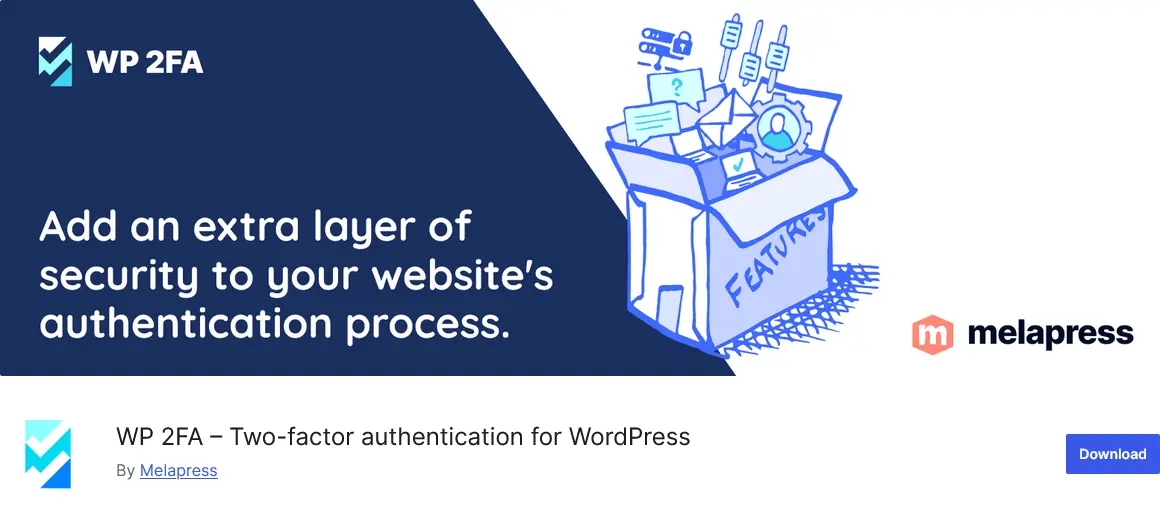
WP 2FA adds an extra layer of security to your website. After activating it, a short wizard guides users from start to finish, making the whole process simple for those new to WordPress. The plugin lets site owners decide who needs two-factor authentication; they can enforce it across the board, limit it to certain roles, or simply give a gentle nudge instead of an outright rule. WP 2FA supports codes from popular authenticator apps, codes sent by email, and other secure options, so users can pick whichever method they feel most comfortable using. In case someone loses access to their device, the plugin hands out backup codes, so getting stuck outside the site isn’t an issue.
Agencies and businesses with lots of users or multiple WordPress sites really benefit from WP 2FA’s flexible setup. It works smoothly with multisite installs, so big teams can keep all their sites protected without fuss. There are extra features like trusted devices that cut down on repeated 2FA entry, and it’s easy to change user policies on the fly if the team changes.
Wordfence Login Security

Wordfence Login Security option makes protecting WordPress sites straightforward for any size business. By adding strong two-factor authentication, admins and users get an extra hurdle to clear before gaining access, which stops most password snooping cold. Codes can be shipped in from well-known authenticator apps that work across all platforms, or by SMS, giving folks flexible choices. Behind the scenes, the plugin tracks login attempts and keeps a record, making it easy for site owners to see what’s been happening on their login page.
There’s extra power in how Wordfence handles bots and brute force attacks. CAPTCHA challenges at the login page cut down on fake logins, and controls for users’ roles mean you can lock things down for admins while letting regular users skip the extra steps if that’s better for your workflow. XML-RPC protection blocks common exploit attempts where attackers use automated tools.
miniOrange 2-Factor Authentication
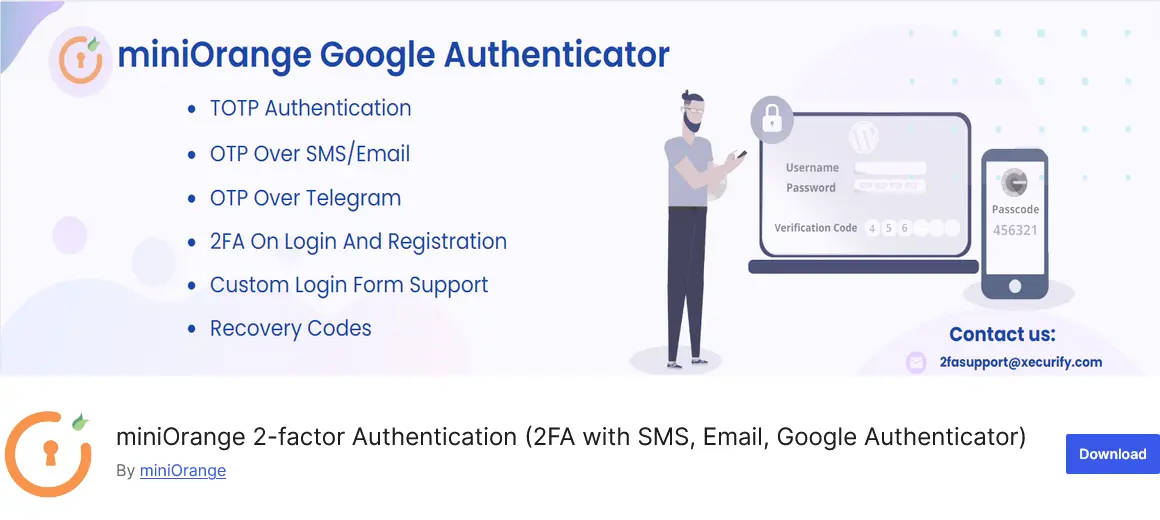
miniOrange 2-Factor Authentication is built for WordPress admins looking for a lot of login options and hands-on control. The setup wizard makes onboarding quick whether you’re on a solo site or running a full business portal. You can let users verify with Google Authenticator, text codes, email links, push alerts, or physical tokens—easy to choose what fits best. Custom SMS gateways are supported if you want to integrate local providers. The plugin covers single blogs, WooCommerce stores, and multisite installs without much fuss, and you can manage which users need extra checks with role-based controls.
Features don’t stop at plain two-factor codes. Admins can change where users land after logging in, personalize security notifications, and add their brand to login forms if that matters. In case a device is lost, you can fall back on backup codes or email recovery, so staff or customers aren’t stuck waiting. Reports track who logged in, flag odd IPs, and keep everyone informed.
Two Factor Authentication by UpdraftPlus
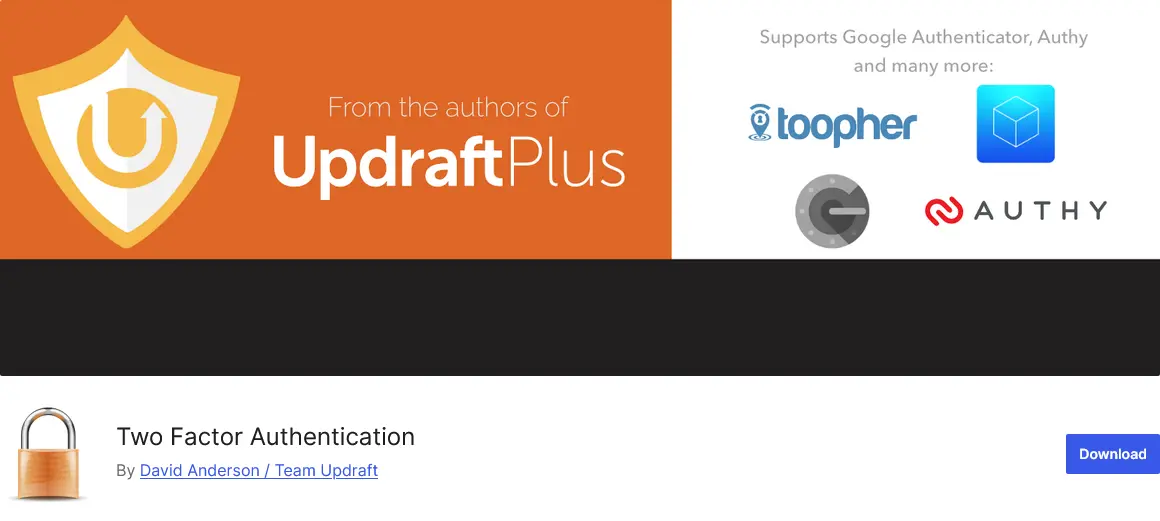
Two Factor Authentication by UpdraftPlus delivers straightforward security for WordPress sites by demanding a second code to log in, using industry-standard methods like TOTP or HOTP. Installation is simple, and users can set up codes from popular apps—Google Authenticator and Authy work right out of the box, with easy QR scanning for mobile. Controls allow admins to make 2FA mandatory by user level, offer emergency recovery codes, and even set up trusted devices to skip extra steps for a limited time. The plugin fits big or small sites, slotting into WooCommerce, Membership, bbPress, and front-end logins with shortcode, and it runs smoothly on WordPress multisite.
Premium features extend the plugin with custom policies and support for integration with even more login forms. Plus, strong encryption protects the secret keys stored on your server, so attackers face multiple hurdles even if they get inside.
Solid Security
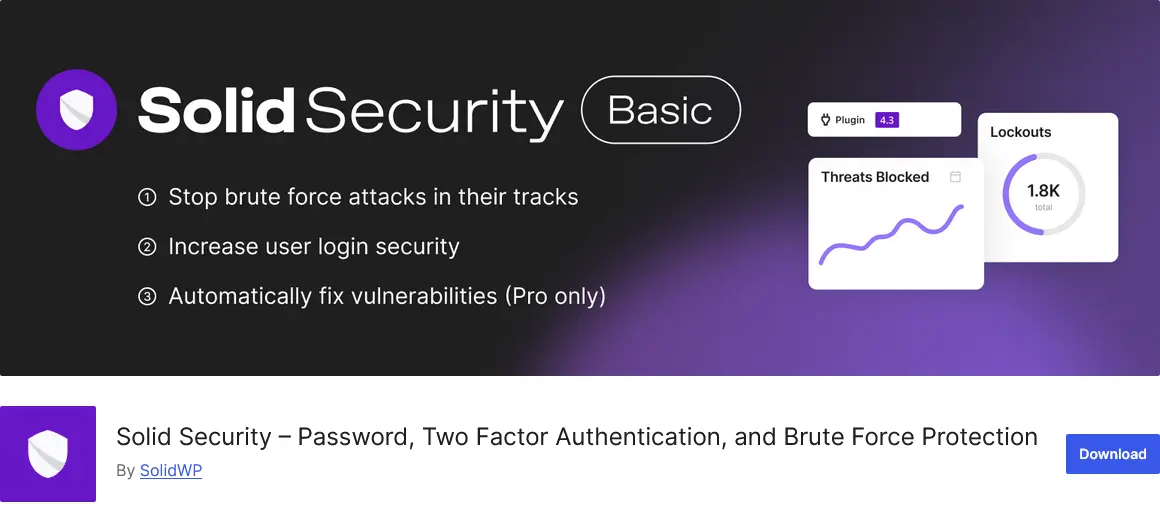
Solid Security brings a wide mix of features to defend WordPress sites from common cyber threats. The plugin quickly locks down logins using two-factor authentication, reCAPTCHA for bots, and solid password policies for all user accounts. You don’t need to be a tech expert—setup takes minutes and lets you pick the security level you need based on your site type, from blogs and portfolios to full eCommerce shops. User groups and templates let you apply stricter rules exactly where you want, whether that’s for client dashboards or customer accounts. Magic Links, trusted devices, and safe privilege escalation options add extra layers for sites needing flexible access.
Automatic tools inside Solid Security keep an eye on things 24/7. The dashboard spits out real-time updates on brute force attacks, banned users, and site scan results, so you know what’s happening on the back end. Vulnerability patching handles new software holes before plugins or themes officially fix them. Regular database backups are built in, and version management makes sure WordPress stays updated.
WP Ghost
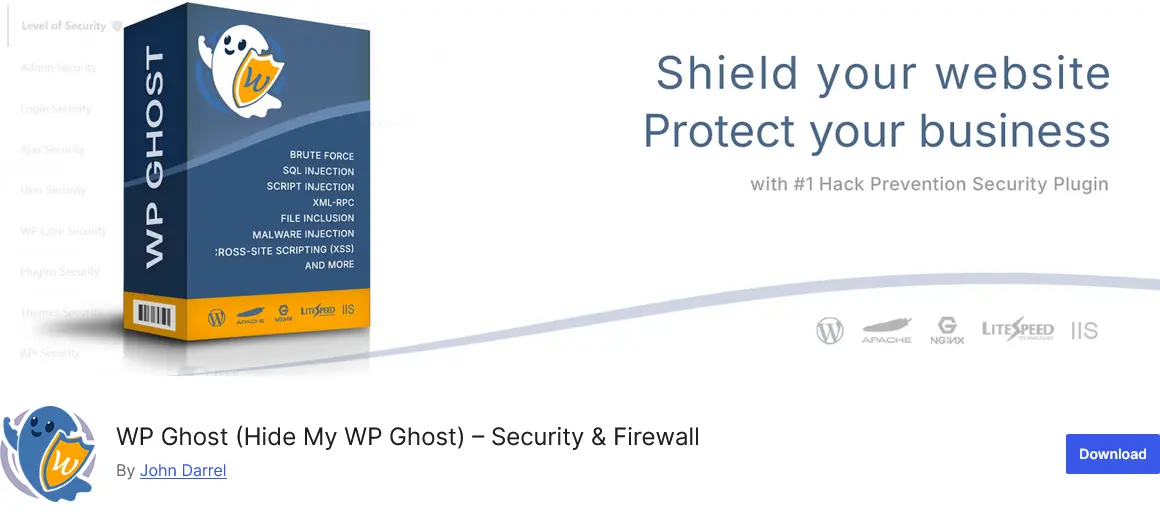
The WP Ghost plugin includes built-in two-factor authentication (2FA) as part of its security firewall. It offers both verification by code and verification by email, giving site owners flexible ways to add another layer of login protection.
The 2FA system in WP Ghost works hand in hand with features like brute-force protection and IP blocking, reducing the number of automated attacks that ever reach the login page. Users can pair 2FA with reCAPTCHA, math verification, or magic link logins to fit their workflow. The plugin keeps things simple—no coding required, and setup takes minutes. Whether you run a shop, an agency WordPress website, or a community blog, this added verification step cuts risks dramatically and makes your WordPress login area much harder to compromise.
Really Simple Security
The 2FA option in the Really Simple Security works with both TOTP (time-based one-time passwords) and email verification, allowing users to receive a unique code by email or through an authenticator app before they can access the admin area.
Setting up 2FA with Really Simple Security is quick. Admins can activate it for specific roles or enforce it across all user levels. You can let users configure their 2FA themselves within a given grace period, or make it mandatory from the start. If someone tries to log in without finishing the setup, their access will be temporarily blocked to prevent unauthorized entry. Combined with login attempt limits, CAPTCHA protection, and strong password enforcement, 2FA helps keep your WordPress site shielded against credential leaks and brute-force attacks.
Two Factor (2FA) Authentication via Email
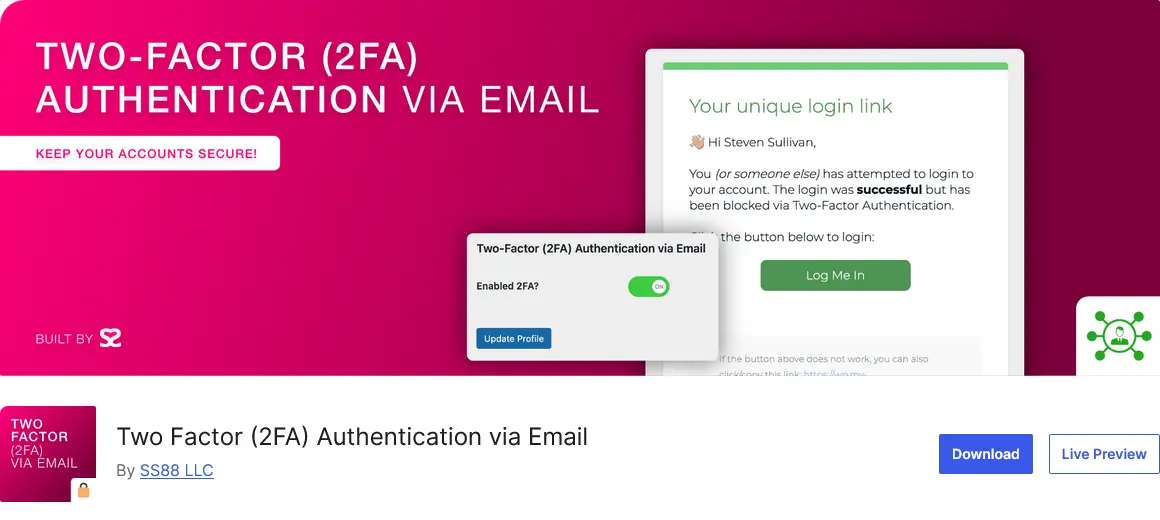
Two Factor (2FA) Authentication via Email strengthens WordPress login security by sending a one-time code to a user’s email address. Once activated, users must supply this emailed code in addition to their regular password to finish logging in. This approach ensures that even if someone guesses a password, they can’t reach the dashboard without access to the correct email account. Site admins can apply this setting to just a few user accounts or roll it out automatically for any WordPress role, including administrators, editors, contributors, and subscribers.
Setup is straightforward, and flexibility comes through simple toggles or small configuration tweaks in wp-config.php. Site owners can pick how long each login code lasts or set up custom redirect links. Troubleshooting is easy—if someone loses email access, disabling the plugin regains site entry. This plugin is lightweight and focuses on just email-based 2FA, making it a practical choice for sites seeking a basic barrier without extra complication.
Common 2FA Issues (and Simple Fixes)
Common issues with two-factor authentication (2FA) on WordPress often arise but can usually be resolved quickly. One frequent problem is losing access to the phone or device used for 2FA codes. To avoid getting stuck, it’s important to keep handy backup codes that were provided during setup or have an admin ready to reset your 2FA settings. Without these, regaining access can be tricky, but backup options or contacting your hosting provider can help clear the way.
Another common glitch comes from timing issues between your device’s clock and the server, which can cause codes not to work. Encouraging users to ensure their phone’s time is set to update automatically often solves the problem. Also, conflicts between 2FA plugins and other WordPress extensions can cause unexpected login failures or slowdowns. When that happens, disabling other plugins temporarily or checking for updates can quickly identify the culprit. If issues persist, switching to a more compatible 2FA plugin usually clears things up, keeping logins smooth and secure.
Final Words: Ready for Stronger WordPress Security?
Adding two-factor authentication is way easier (and faster) than fixing a hacked site. Most times it takes about three minutes to get running—no sweat, no learning curve.
Whether you only want better protection for admin accounts, or want to fully lock down your entire site, there’s a 2FA plugin built for this. It’s the best upgrade you can make for WordPress security—simple, affordable, and proven to block 99% of login attacks. Select from the list and test one of the best two-factor authentication (2FA) WordPress plugins and lock down your login!






%20WordPress%20Plugins&media=https://matchthemes.com/wp-content/uploads/2025/10/best-2fa-wordpress-plugins.webp)