WooCommerce plugins and extensions help online stores improve payments, checkout, search, discounts, shipping, and conversions. While WooCommerce gives store owners a strong foundation, most shops still need extra tools to handle the daily parts of running an online business more efficiently.
Choosing the right WooCommerce plugins can feel overwhelming because there are so many options. Some add real value, while others create conflicts, slow down the store, or make maintenance harder. That is why it makes sense to focus on tools that are actively maintained, widely used, and clearly compatible with current WordPress and WooCommerce versions.
This guide highlights the best WooCommerce extensions for store owners who want practical improvements, not unnecessary bloat. The plugins below cover key areas like payments, checkout optimization, product filters, search, invoices, recovery emails, and pricing rules.
Let’s get started!
Best WooCommerce Extensions
Below are 15 useful WooCommerce plugins and extensions that can improve key parts of an online store, including payments, checkout, tax documents, filters, search, discounts, and recovery emails. Each one solves a different problem, so the best choice depends on how your store works and what needs improvement first.
1. WooCommerce Payments

WooCommerce Payments simplifies accepting payments right from your online store without any monthly fees. It enables you to securely take major credit and debit card payments, keeping customers on your site during checkout. This convenient integration allows you to manage all your transactions—including payments, refunds, and disputes—directly from your WordPress dashboard, eliminating the need for separate accounts or portals. You can easily monitor cash flow, track payouts to your bank or debit card, and handle chargebacks without hassle, all within a single, unified interface.
This payment solution offers a straightforward, pay-as-you-go pricing model, so you only pay for what you use without any hidden costs or setup fees. It’s designed to support merchants worldwide with dependable customer service ready to assist you with any questions or troubleshooting. WooCommerce Payments helps reduce checkout friction, potentially boosting conversion rates by keeping everything streamlined and seamless. For shop owners aiming for an efficient and cost-effective payment system closely connected to their store, WooCommerce Payments is a practical choice that integrates essential payment tools in one accessible place.
Pricing: free to install.
2. Checkout Field Editor for WooCommerce
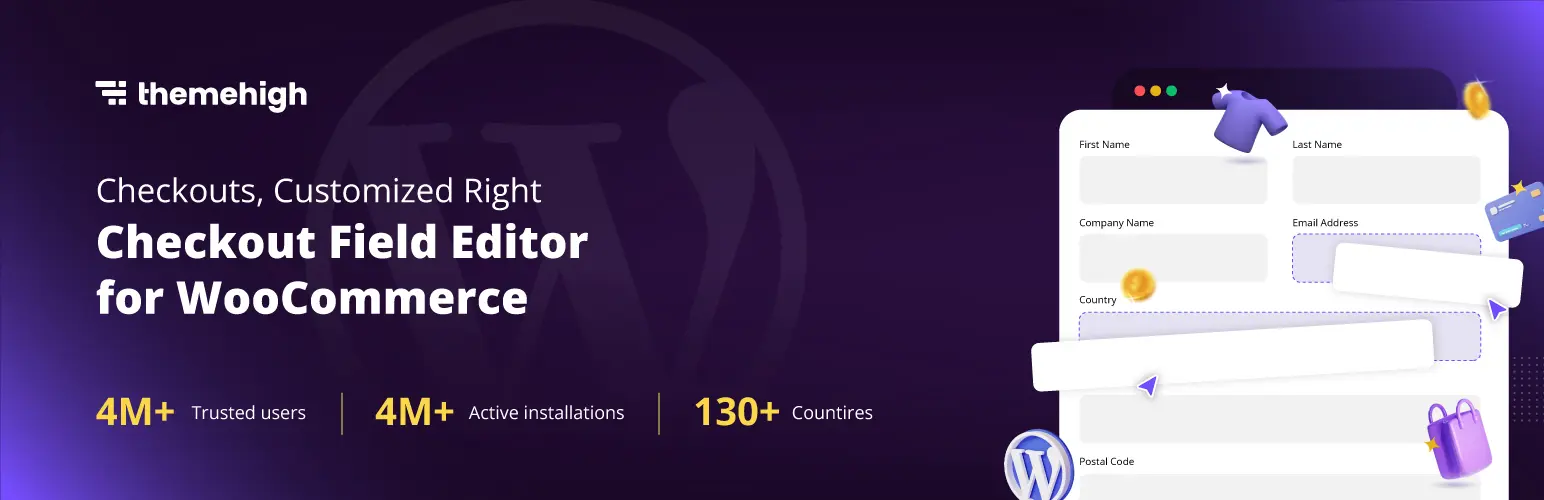
The WooCommerce Checkout Field Editor gives store owners the power to customize checkout fields without hassle. It lets you add, remove, or update fields using a simple drag-and-drop interface, making it easy to adapt the checkout form for any business. Adjusting labels, changing field positions, or even deleting unnecessary details is all done in seconds—not hours of coding. You can pick from many field types like text, email, select, radio, checkbox, and more, collecting only the data you really need from shoppers.
This tool improves checkout for both shop owners and customers. You can validate input to reduce errors and incomplete orders, leading to smoother transactions. It’s possible to show or hide fields as needed and restore everything to default with a click if you change your mind. The plugin works with classic and block checkout styles, offering flexibility for all store layouts. Translation is straightforward, fitting perfectly for international stores, and it works with popular WordPress themes. WooCommerce Checkout Field Editor helps you create a lean, user-friendly checkout process, which can lead to fewer drop-offs and higher order completion.
Pricing: free version and premium version starts from $49/year.
3. Advanced AJAX Product Filters

WooCommerce AJAX Product Filters make it easy for customers to quickly find what they want. With this plugin, shoppers can filter products by price, category, or attributes without waiting for the whole page to reload. Everything updates instantly, delivering smooth results with every click or filter update. You can add as many filters as you like, and arrange them using checkboxes, sliders, drop-down lists, or color and image swatches. This makes the shopping experience less frustrating, especially when browsing large catalogs or looking for a certain color, feature, or price.
The plugin is flexible to use with popular WordPress builders and custom themes, and the filters work well for both simple and advanced shops. Shortcodes make it easy to put filters on any page or sidebar. There is also drag-and-drop filter building for quick setup. Filters can be set to show only in certain categories, or their height can be limited so the sidebar looks neat. With AJAX, shoppers don’t lose their place on the page, improving the chances they’ll complete a purchase.
Pricing: free version and premium version starts from $44.
4. WooCommerce PDF Invoices & Packing Slips
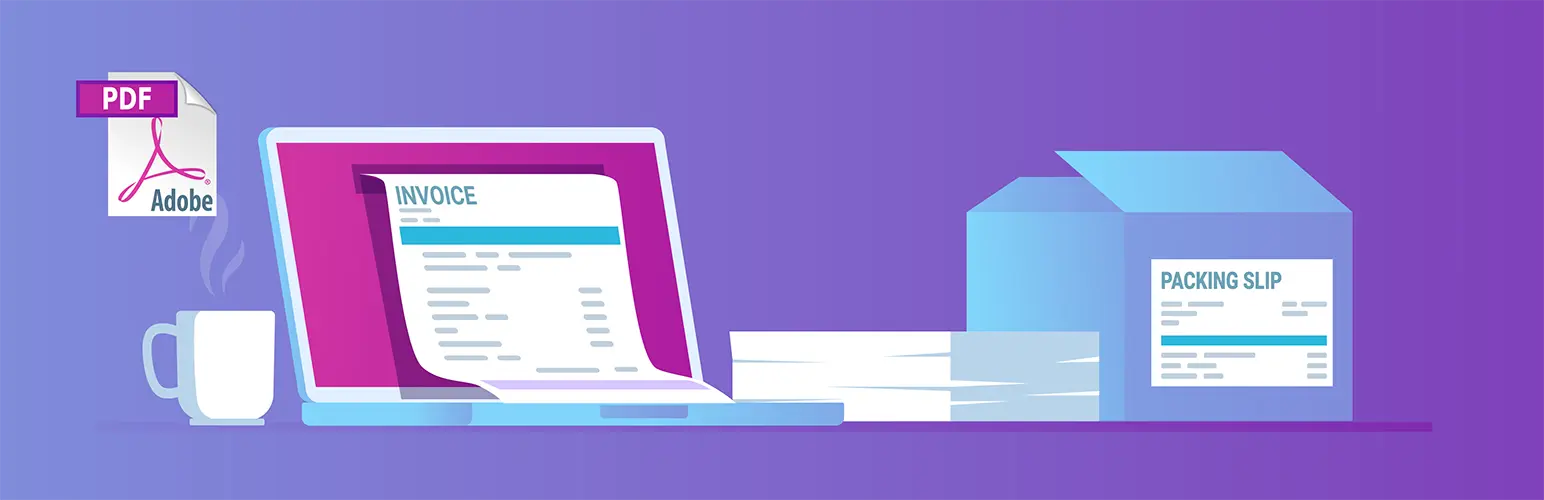
WooCommerce PDF Invoices & Packing Slips is a smart addon for store owners who want to handle order paperwork neatly and automatically. This plugin adds PDF or UBL invoices to customer emails and offers a simple way to make, print, or download invoices and packing slips straight from the WooCommerce dashboard. Templates can be edited or switched out, and store details like a company logo can be added, providing control over how documents look. The plugin supports many languages and organizes invoices with numbering in any format needed.
This solution is an excellent pick for businesses that need to send official documents to buyers—especially B2B shops or anyone shipping orders themselves instead of through a fulfillment partner. The setup helps with keeping records in order and makes tax and inventory work simpler. With free and paid extensions, extra features like credit notes and direct printing are also available.
Pricing: free version and premium version starts from $89/year.
5. WooCommerce Google Analytics

WooCommerce Google Analytics helps store owners connect their shop with Google Analytics so they can track traffic, product views, customer behavior, and sales activity more clearly. It is especially useful for understanding which products attract attention, where shoppers leave the funnel, and which traffic sources lead to real purchases.
This plugin is useful for any store owner who wants to make business choices based on real facts instead of just guessing. Beginners and growing shops benefit most from direct feedback about user actions, helping them adjust their strategies right away. It’s also valuable for marketers and anyone looking to improve advertising results or website usability.
Pricing: free version.
6. WooCommerce Direct Checkout
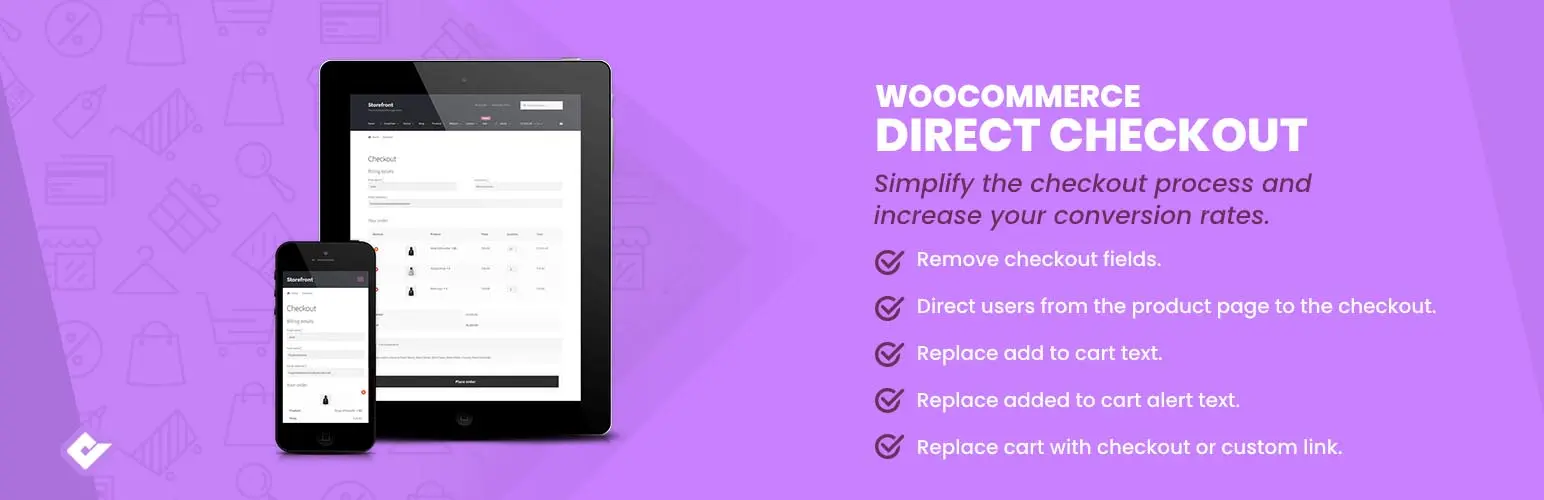
WooCommerce Direct Checkout helps reduce friction by sending customers more quickly from product selection to checkout. By removing extra steps like unnecessary cart review pages, it can create a faster buying experience for stores that want to shorten the path to payment.
This plugin is a good fit for online shops that want to boost sales by making buying faster. If cart abandonment is a problem, simplifying the path to payment can help more visitors become buyers. Sites selling impulse goods, flash deals, or one-off items will especially see benefits. It’s also handy for store owners who want to use fewer resources and give a lighter, no-frills shopping experience.
Pricing: free version and premium version starts from $49/year.
7. YITH WooCommerce Wishlist
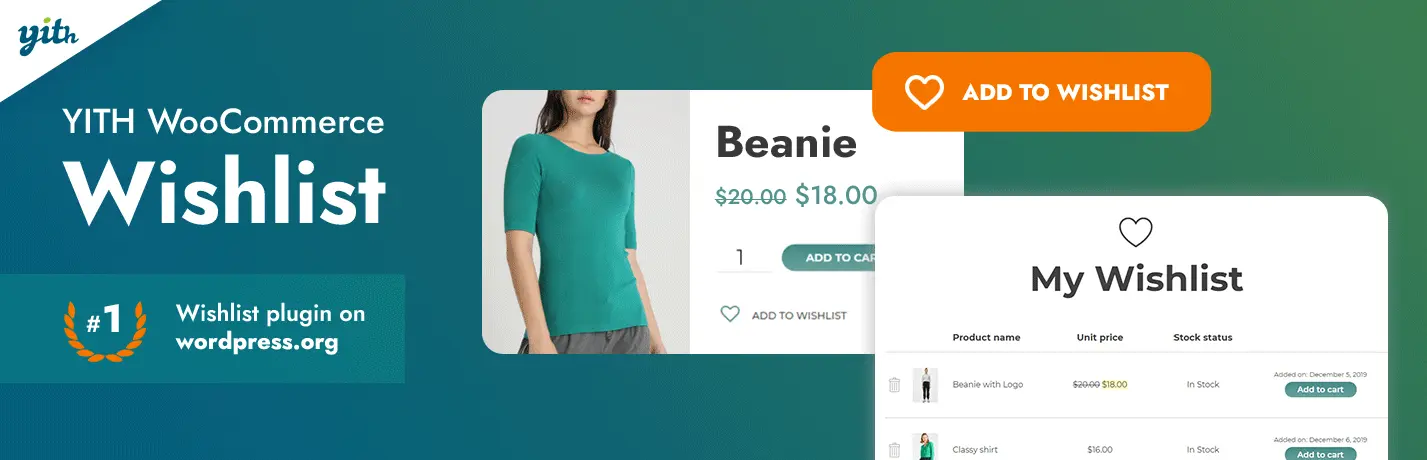
YITH WooCommerce Wishlist is a practical tool that lets customers save products they like for later. This feature makes it easy for users to find their favorite items quickly and return when they’re ready to buy. It also enables sharing wishlists with family and friends, making gift-giving occasions simpler and bringing indirect promotion through social networks. By encouraging customers to return and share, the plugin helps build loyalty and increases chances of purchase.
The plugin is well-suited for established stores with a wide range of products and an active, engaged customer base. New or smaller shops might not need a wishlist feature since their catalogs or audiences are limited. However, for larger brands, the wishlist can drive repeat sales and foster community through shared lists. The premium version adds powerful tools like multiple wishlists, note-taking, and detailed visitor insights—all aimed at boosting conversions and enhancing user experience.
Pricing: free version and premium version starts from $99.99/year.
8. Product Slider and Carousel with Category for WooCommerce

Product Slider and Carousel with Category for WooCommerce is a practical plugin that brings your products to life by displaying them in an eye-catching sliding format. Whether you want to showcase the latest releases, bestsellers, or featured items, this tool lets you create dynamic product sliders or carousels easily. You can filter products by categories, making it simple for visitors to browse specific types of items. The plugin works seamlessly with most themes by using the native WooCommerce loop, preserving your site’s design while adding interactive product displays.
Ideal for stores with extensive catalogs, this plugin helps present products in a space-saving and attractive way, enhancing user experience and potentially boosting sales. If you want to reduce page clutter while highlighting multiple products, sliders and carousels are the way to go. It suits businesses aiming to engage visitors on mobile devices as it is fully responsive and supports touch-swipe functionality. With customizable options like autoplay, pagination, and slide speed, you can tailor the presentation to match your store’s style and customer preferences. Shop owners looking for a lightweight, flexible, and easy-to-use display tool should consider this plugin to improve product visibility and create an engaging shopping environment.
Pricing: free version and premium version starts from $49/year.
9. HUSKY – Products Filter Professional for WooCommerce

HUSKY – WooCommerce Products Filter Professional is a powerful plugin that extends WooCommerce’s default capabilities by enabling visitors to easily filter and search products based on categories, attributes, tags, product price, and custom meta fields. The plugin offers a flexible and user-friendly filtering system, allowing store owners to create SEO-friendly links for filtered queries, which enhances search engine visibility. With support for dynamic AJAX filtering, it enables users to find relevant products without page reloads, improving overall site performance and user experience. The plugin is highly adaptable, integrating seamlessly with various page builders and themes while providing extensive shortcode support and customizable filter elements such as dropdowns, checkboxes, and sliders.
This plugin is ideal for stores with large or complex catalogs that need to simplify product discovery for customers. Businesses aiming to boost sales by helping visitors quickly narrow down choices will benefit greatly. Developers looking to create custom search interfaces or bespoke filter layouts will appreciate the extensive API and frontend builder features. Additionally, e-commerce sites targeting better SEO rankings through clean, structured filter URLs should consider HUSKY as an effective tool.
Pricing: free version and premium version starts from $42.
10. WooCommerce Cart Abandonment Recovery
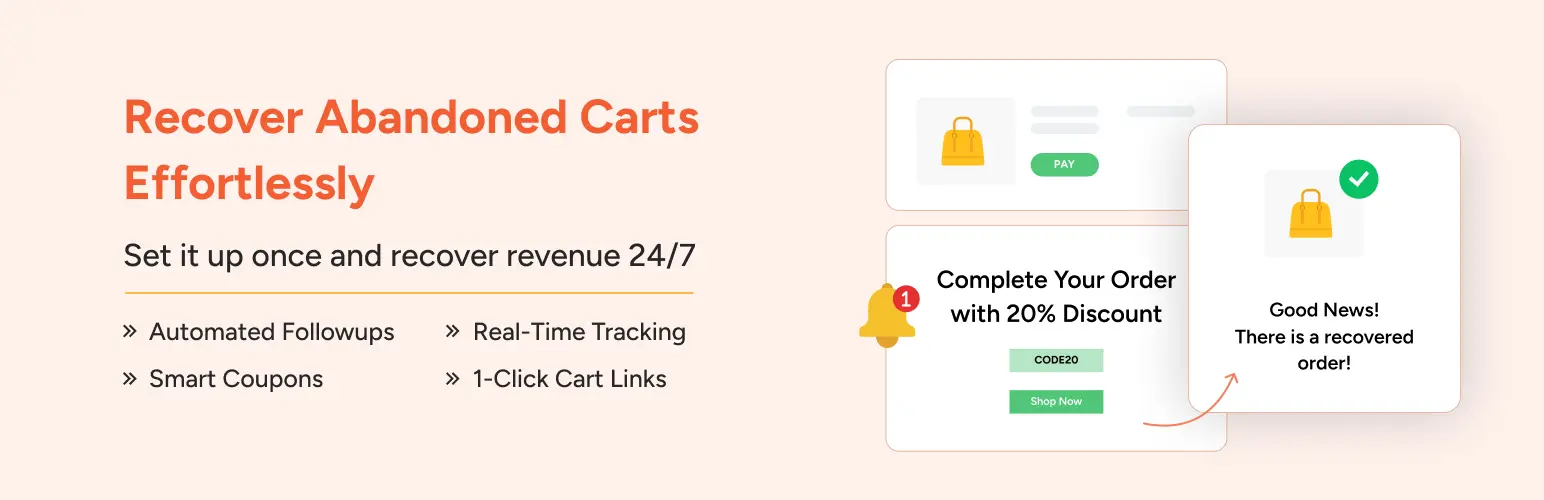
WooCommerce Cart Abandonment Recovery is a powerful yet easy-to-use plugin that helps online stores regain lost sales automatically. It captures customers’ email addresses as soon as they start the checkout process, even if they don’t complete their purchase. Once a cart is abandoned, the plugin sends a series of timely follow-up emails with customized messages and unique links that restore the customer’s cart, making it effortless for them to finish their order. Additionally, the tool can include special discount coupons to encourage quicker action and boost average order value. With minimal setup required, this plugin runs in the background and enhances your store’s revenue without slowing down your site.
This plugin is ideal for a wide range of store owners. First, anyone running a WooCommerce shop who wants to increase conversions without relying on third-party services will benefit from its simplicity and automation. Fashion and apparel retailers can use it to remind shoppers of specific variants, like colors or sizes, left behind. Digital product sellers and small businesses aiming for growth can leverage its personalized recovery sequences and detailed analytics to refine sales strategies. With GDPR compliance and plans to add SMS and WhatsApp recovery messages, it suits shops seeking a scalable, privacy-conscious recovery solution.
Pricing: free version.
11. WooCommerce Discount Rules

WooCommerce Discount Rules is a versatile plugin that empowers store owners to create a wide variety of discounts and dynamic pricing strategies. It supports everything from simple percentage discounts and storewide sales to sophisticated bulk and tiered pricing. The plugin makes it easy to incentivize customers through buy-one-get-one deals, bundle offers, and user role-based discounts. With the PRO version, users can also set up discounts based on product categories, attributes, SKUs, purchase history, and more, enabling highly targeted promotions tailored to business goals.
This plugin suits businesses keen on boosting sales while maintaining pricing flexibility. It’s ideal for stores with large inventories where bulk buying can be encouraged with tiered pricing or bundles. Retailers running seasonal sales or promotional campaigns will find it helpful to quickly apply storewide or category-specific discounts. WooCommerce Discount Rules is perfect for merchants who want to reward loyal customers with user role or purchase history-based deals.
Pricing: free version and premium version starts from $49/year.
12. Product Search for WooCommerce
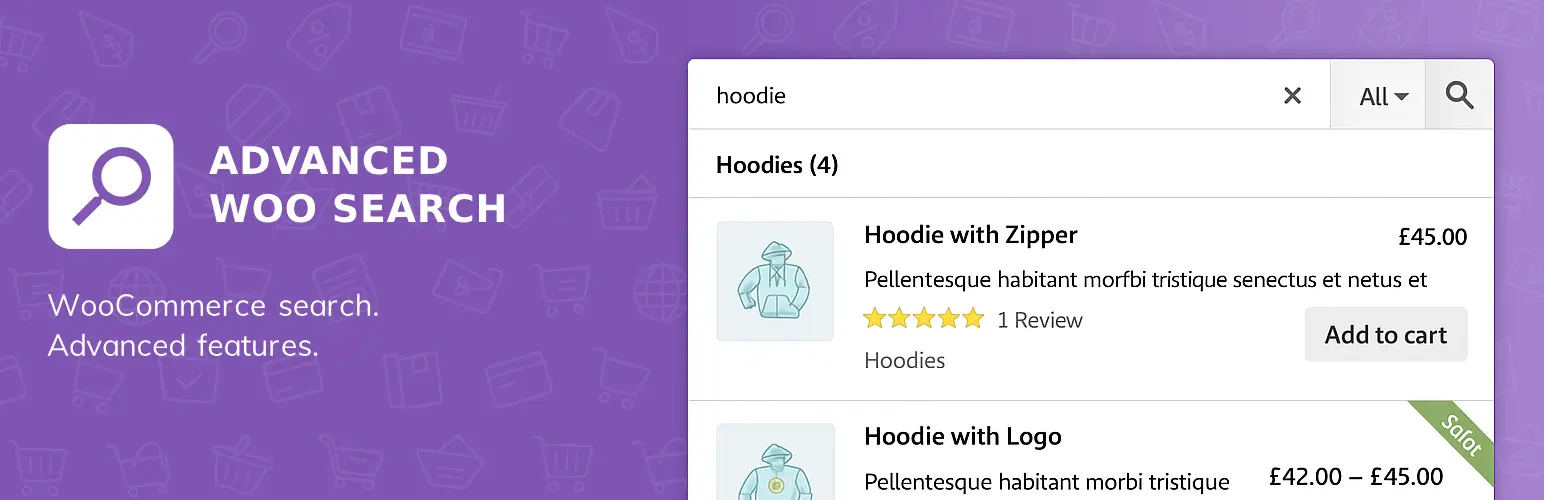
Product Search for WooCommerce is a powerful search plugin tailored for WooCommerce stores, offering fast and accurate product searches. It enables users to look up products by title, description, SKU, tags, categories, and even product IDs. The plugin features live AJAX search, displaying results instantly as visitors type, which enhances user experience by reducing wait times and improving precision. It supports complex search capabilities such as stemming—allowing variations of words to match—misspelling correction, synonym recognition, and search term highlighting.
This plugin is ideal for store owners who want to enhance product discoverability and improve site usability without slowing down their website. Whether managing a small catalog or a large inventory with thousands of items and variations, Product Search for WooCommerce provides scalable search power. It suits merchants seeking to boost conversions through better search functionality, especially those needing support for product attributes, custom fields, and taxonomies. Developers appreciate its compatibility with popular page builders, multilingual plugins, and various marketplace extensions, allowing seamless integration into diverse WooCommerce setups.
Pricing: free version and premium version starts from $69/year.
13. FOX – Currency Switcher Professional for WooCommerce

FOX – Currency Switcher Professional for WooCommerce is a flexible plugin that empowers online stores to display product prices in multiple currencies, with real-time exchange rates or custom rates set by the admin. Visitors can switch currencies easily through widgets or shortcodes placed anywhere on the site, including menus or sidebars. The plugin supports diverse display styles like dropdowns, flags, and side switchers, and even allows creating custom switcher designs using the built-in Smart Designer. The plugin supports various pricing rules based on user roles, countries, and payment gateways, making it adaptable for complex store setups.
This plugin is ideal for WooCommerce stores targeting international buyers who want to provide a seamless multi-currency shopping experience. Online shops with customers from different regions will find the GeoIP automatic currency selection handy to personalize prices. Businesses requiring fixed prices per currency rather than relying only on live conversion rates will benefit from the plugin’s flexible pricing rules.
Pricing: free version and premium version starts from $36.
14. WooCommerce Stripe Payment Gateway

The WooCommerce Stripe Payment Gateway plugin provides a seamless and modern payment experience, helping online stores simplify checkout while boosting conversion rates. With responsive designs that work flawlessly on mobile, tablet, and desktop, the plugin supports over 20 payment methods including popular options like Apple Pay, Google Pay, Klarna, Affirm, and Afterpay. It enables merchants to capture a wider audience by offering localized payment solutions such as Bancontact in Europe and Alipay in Asia-Pacific. The plugin also ensures smooth handling of recurring payments through WooCommerce Subscriptions, making it ideal for stores with subscription models. Additionally, cash flow management is improved with features like Stripe’s Instant Payouts that enable quick access to funds.
Businesses aiming to expand globally will find this plugin particularly valuable, as it supports payments in 46 countries and accommodates diverse languages and regional needs, including right-to-left languages and localized error messages. Security is a key strength, with integrated fraud detection tools via Stripe Radar and compliance with PCI-DSS standards. Merchants focused on reducing cart abandonment will benefit from flexible payment options, including buy now, pay later methods and Tap to Pay for in-person sales using minimal hardware. Overall, WooCommerce Stripe Payment Gateway is fit for any e-commerce store seeking to improve payment flexibility, enhance user experience, and streamline operations with a reliable, widely supported solution.
Pricing: free version.
15. Side Cart WooCommerce
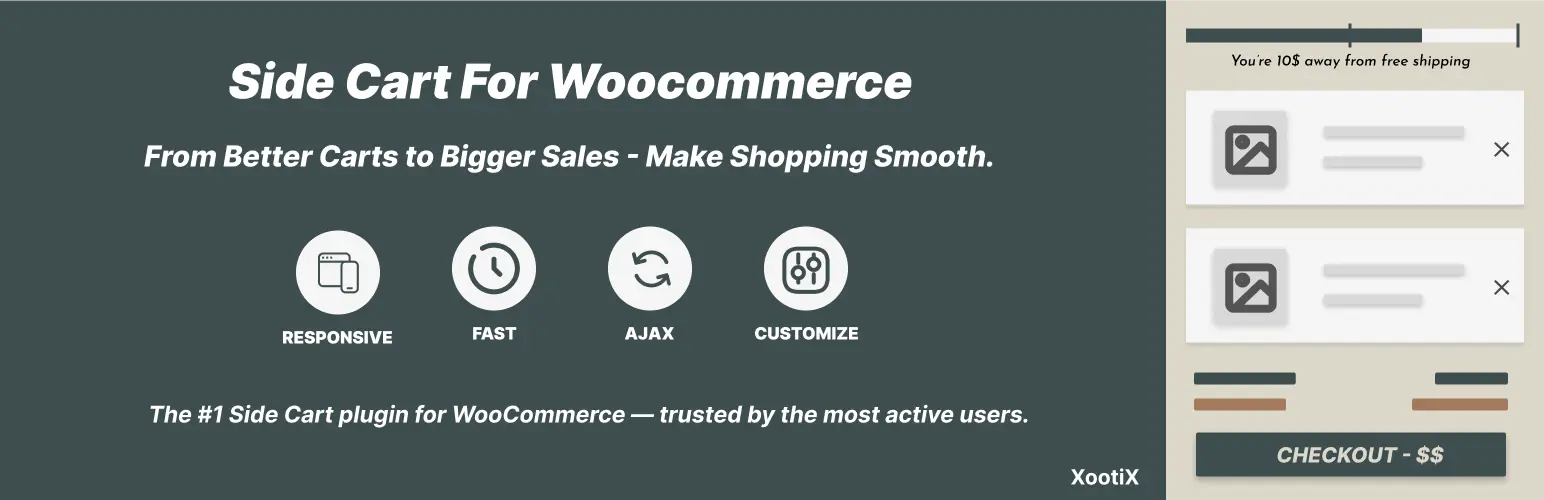
The Side Cart WooCommerce plugin modernizes the shopping experience by replacing the traditional cart page with a sleek, sliding basket. It allows customers to add, remove, and adjust items without leaving the current page, making shopping smoother and faster. The cart updates in real time, displaying accurate subtotals instantly. Users can also apply discounts or promo codes directly from the cart. With responsive design and AJAX-based functionality, the cart never slows down the site or interrupts the browsing flow. It integrates seamlessly with your site’s navigation, offering customizable icons and styling options to match your brand’s look and feel.
This plugin suits any online store that wants to reduce friction during shopping and checkout. It’s perfect for merchants aiming to boost sales by making cart management quick and intuitive. Shops with mobile customers benefit from its responsive layout and real-time notifications that keep buyers informed and engaged. For those seeking more advanced features, the pro version adds flexible quantity control, embedded payment options like PayPal and Apple Pay, and tools to promote upsells and related products.
Pricing: free version and premium version starts from $29.
Final Thoughts on WooCommerce Plugins and Extensions
The right WooCommerce plugins and extensions can make a big difference in how smoothly a store runs. From better checkout flows and payment options to stronger search, product filters, and recovery tools, these add-ons help store owners improve the shopping experience without rebuilding the whole site.
If you are also looking for a theme to pair with these tools, check our article Elementor WooCommerce themes.
WooCommerce Plugins FAQs
What are the most useful WooCommerce plugins for a small store?
The most useful plugins usually cover payments, checkout, search, product filters, invoices, and abandoned cart recovery. The best choice depends on the store’s size, products, and sales process.
Can too many WooCommerce plugins slow down a store?
Yes. Installing too many plugins, or choosing poorly maintained ones, can affect speed, compatibility, and stability. It is better to use a smaller number of well-supported plugins that solve real problems.
Are free WooCommerce extensions enough?
For many stores, yes. Free plugins can handle payments, invoices, wishlists, search, and product filters. Premium versions are more useful when the store needs advanced rules, integrations, or support.
How should store owners choose WooCommerce extensions?
Look for plugins with active maintenance, recent updates, strong reviews, good documentation, and compatibility with current WooCommerce and WordPress versions.